

Accessibility for Websites & Apps
Accessibility for Websites & Apps
Format:
In-person or remote for one full day or two half-days
Group Size:
Minimum of 8
Previous Clients:
Microsoft, Costco
Past Attendee Feedback:
”The presentation was very informative and enlightened me to the realities of disability.”
“Just learning how many types of needs that are out there was super helpful in how we think about a design from the beginning.”
“It was good to know that the instructor herself needed some of these considerations - that she has firsthand experience.”
Why Take This Course?
Making websites and apps usable (and enjoyable) experiences for all types of consumers, whether their physical skills are limited or not, should be the goal of every project. It’s not only a legal requirement in many cases, it’s also a moral obligation, and a smart marketing and branding practice. While it’s not hard to agree with the importance of accessible design, coming up with an efficient and cost-effective process for implementing accessibility features is a challenge for many organizations — one we’ll overcome with the training provided in this workshop.
Who Should Take This Course?
This workshop is primarily aimed at designers, writers, and product managers responsible for the design and content of websites and apps. Entry-, mid- and senior-level contributors will find this material relevant to their work.
Course Outcomes
> Understand the legal requirements for accessibility for publishers of websites and apps
> Become familiar with the most common deficits your users may encounter — both permanent and temporary
> Learn about free and paid tools for assessing the accessibility of your digital channels
Download Syllabus
Prerequisites and Requirements
None
Course Description
Through discussion and interactive exercises, we'll dig into the why and how of making accessibility part of your design practice.
We'll cover:
How digital accessibility barriers impact people with a variety of disabilities.
Common types of assistive technologies used by people with dexterity, cognitive, vision, hearing, and speech disabilities.
Technical and legal standards for digital accessibility, including the Web Content Accessibility Guidelines (WCAG) and the Americans with Disabilities Act (ADA).
Common accessibility issues and best practices for designing and developing to avoid them.
Tools for preventing and testing for accessibility issues.
How team members across design, content, development, and research roles can contribute to an inclusive design practice.
more options for optimizing your team:
-
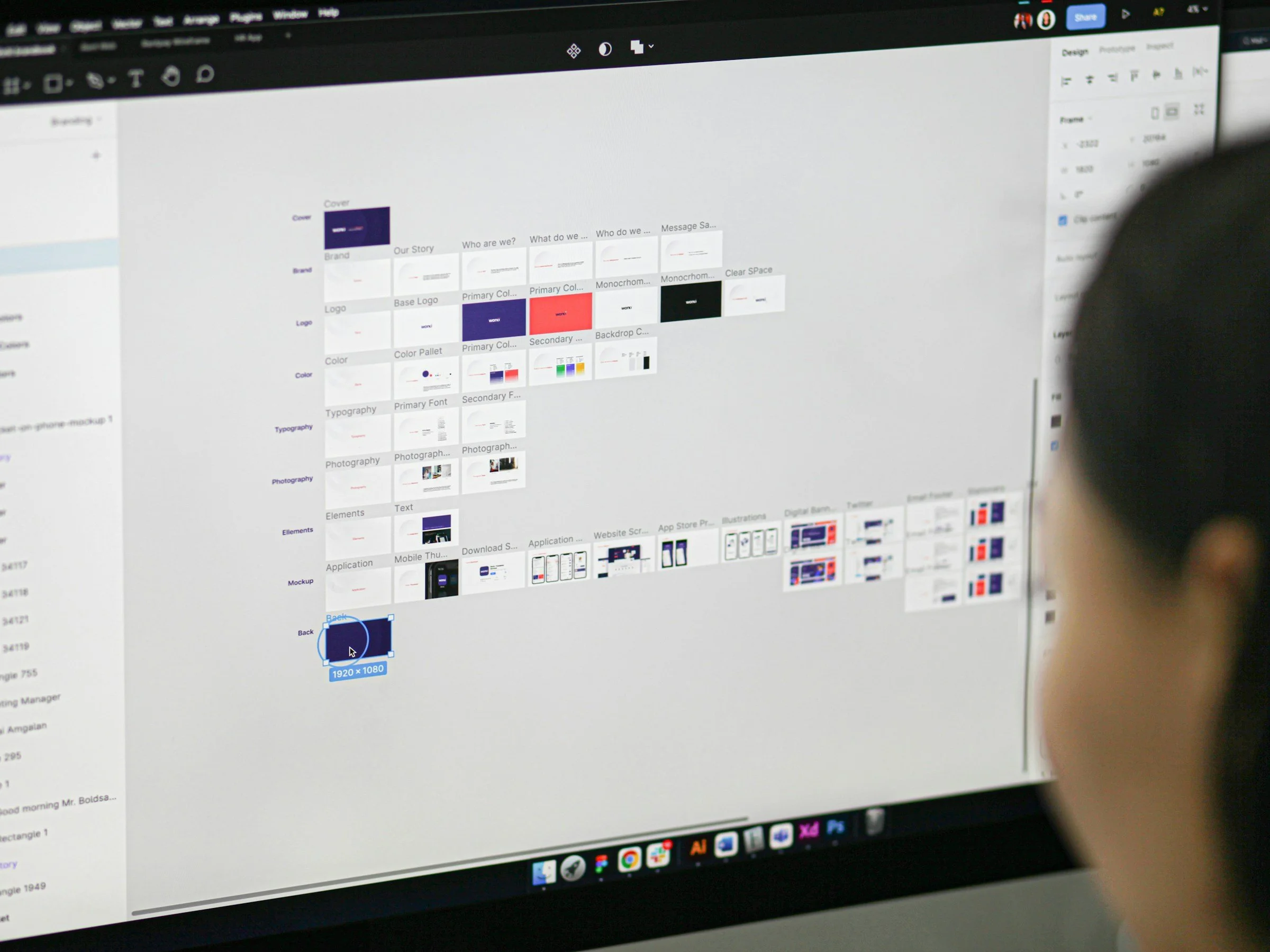
Figma Fundamentals
For any team involved in the designing, writing, and building of digital projects, Figma is a “must-learn” platform for better productivity thanks to its first-rate capabilities for collaboration and commenting.
-

UX Writing fundamentals
There is an art, science, and specialized skill set to writing instructional copy, UI labels, error messages and other UX writing tasks. Getting it right can lead to higher conversion rates and user satisfaction scores.
-

Soft Skills for Everyone
In addition to whatever technical talent you bring to the job, you also need to be a great colleague, a crack time-manager, and an ace writer and presenter — all soft skills we’ll help you improve in this workshop.